5. Stages
In this video, we show you how to use Stages to present your company and reach exactly the right participants.
Welcome to Stages
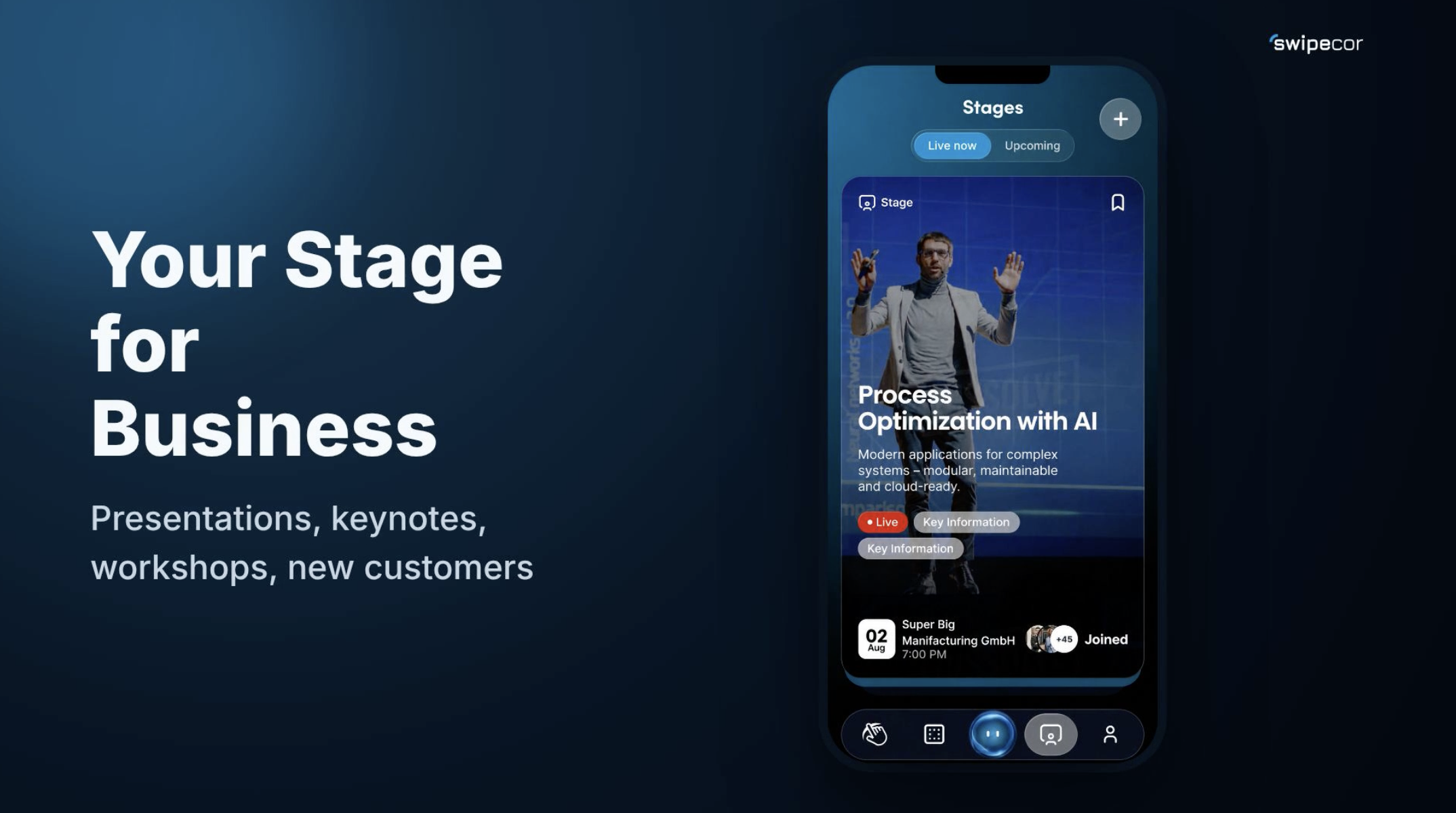
Present your company, hold keynotes, run workshops, or win new customers and employees. Welcome to Stages.
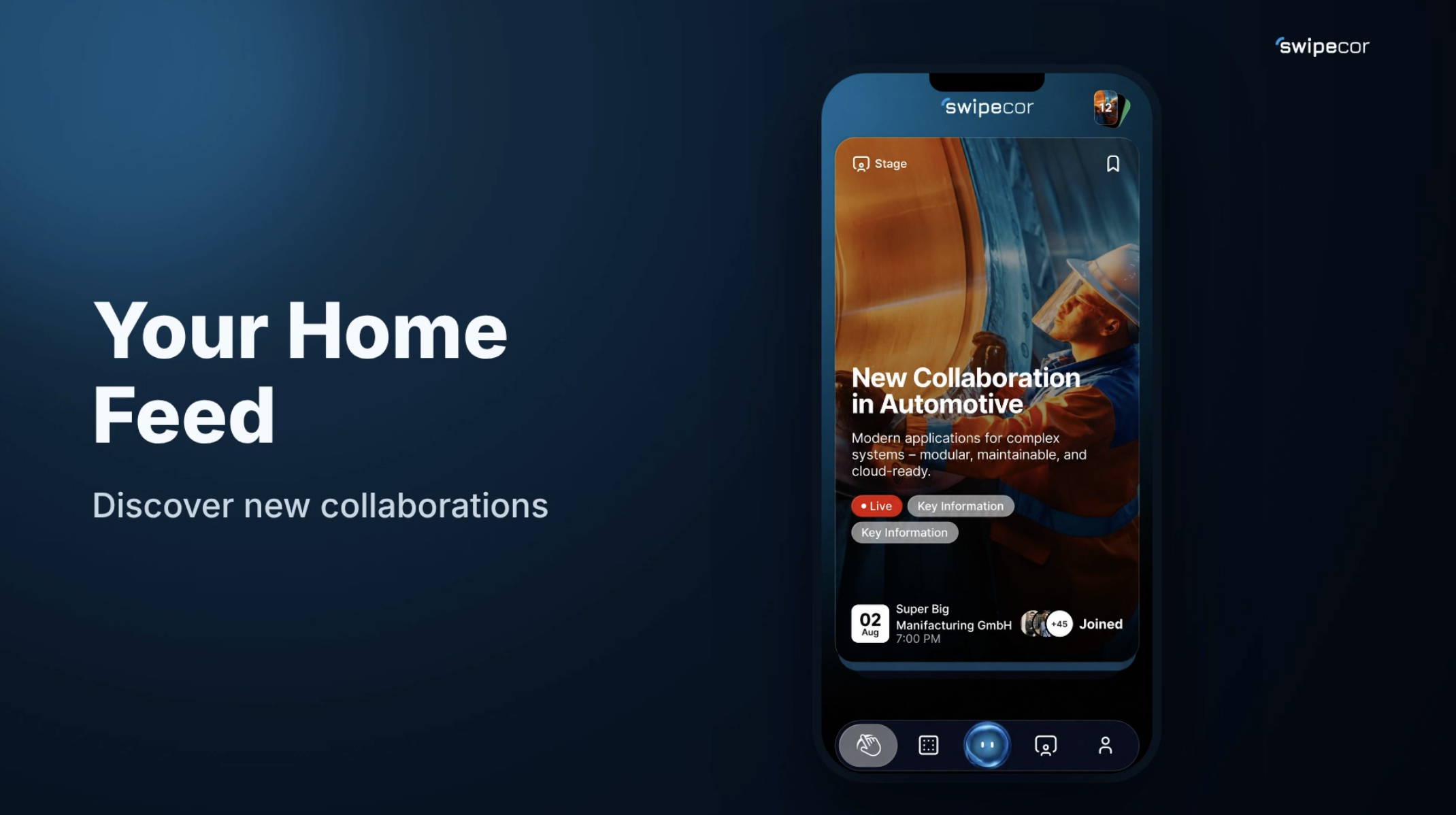
swAIper recognizes which people and companies a topic is relevant for and brings exactly these participants together in real time, live and direct. Every Stage shows target audience, content, and learning goals at a glance, so prospects can immediately see if the topic is right for them.
Creating a Stage – Step One: Content
Every company can create its own Stage for free and go live at any time. Title, description, and cover image are set up in just a few steps. One example: AI in manufacturing, live Q&A, with a short description and a matching cover image for a strong first impression.
Step Two: Audience & Timing
In the second step, you decide who should see your Stage, when it starts, and in which language it takes place.
First, choose the right industry, for example Industry and Manufacturing, so swAIper can classify the topic correctly. Then you choose up to five target industries. swAIper shows your Stage exactly to the companies for which the topic is truly relevant.
Set the date and time for going live, so prospects get a timely reminder and can join live.
Managing multiple company profiles? Simply choose which Space hosts the Stage, for example your manufacturing company. Set the spoken language of your Stage, so exactly the right audience is addressed, whether German or another language.
Overview & Completion
Before creating, you see all details at a glance: industry, target audience, date, and host, all ready for going live.
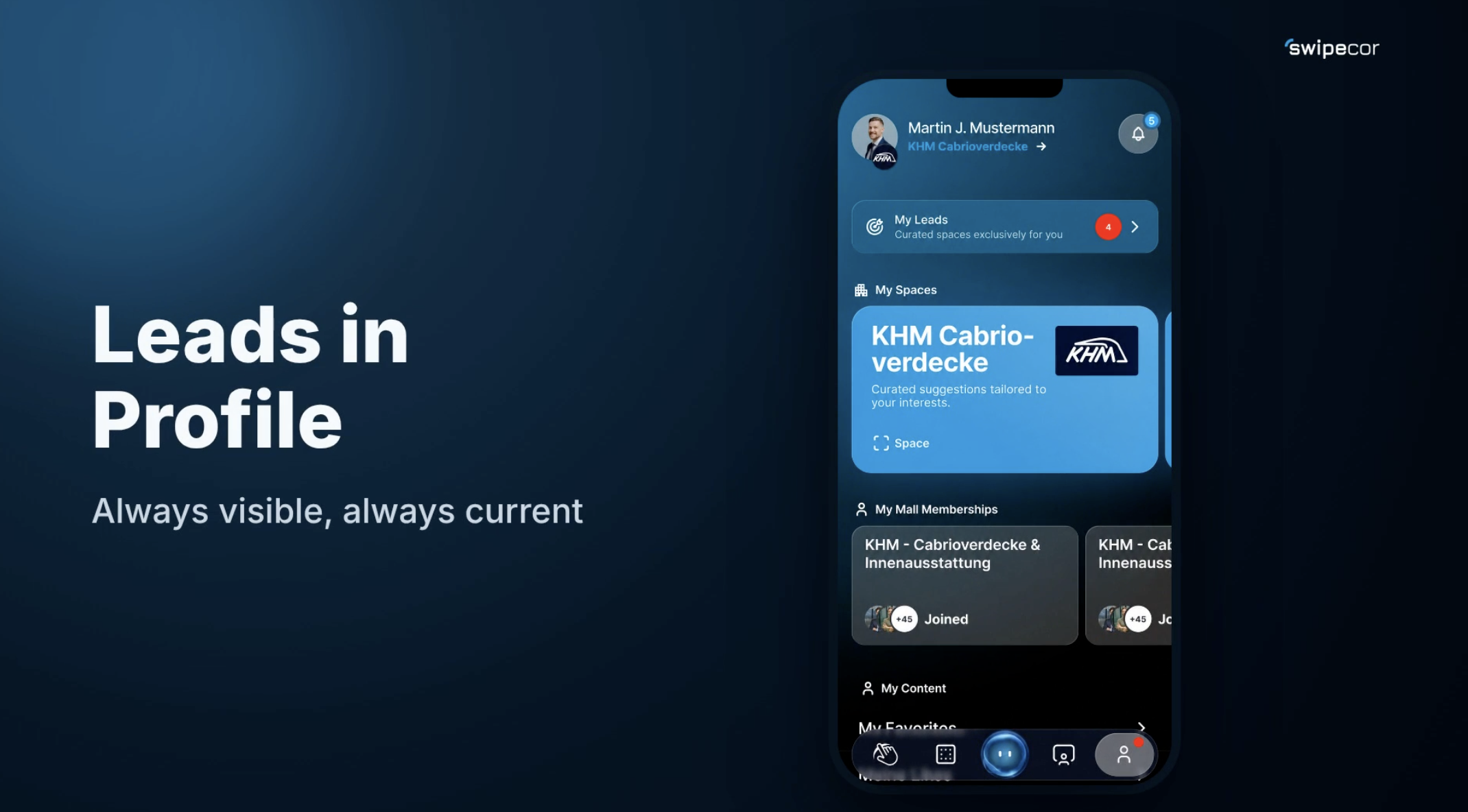
Done, the Stage is scheduled. Viewers become prospects, prospects become leads, and leads become business.