1. Registration at swipecor
Swipecor: How to Complete Registration & Set Up Your Profile
In this video, we show you step by step how to get started with Swipecor – from your first login to a fully set up profile.
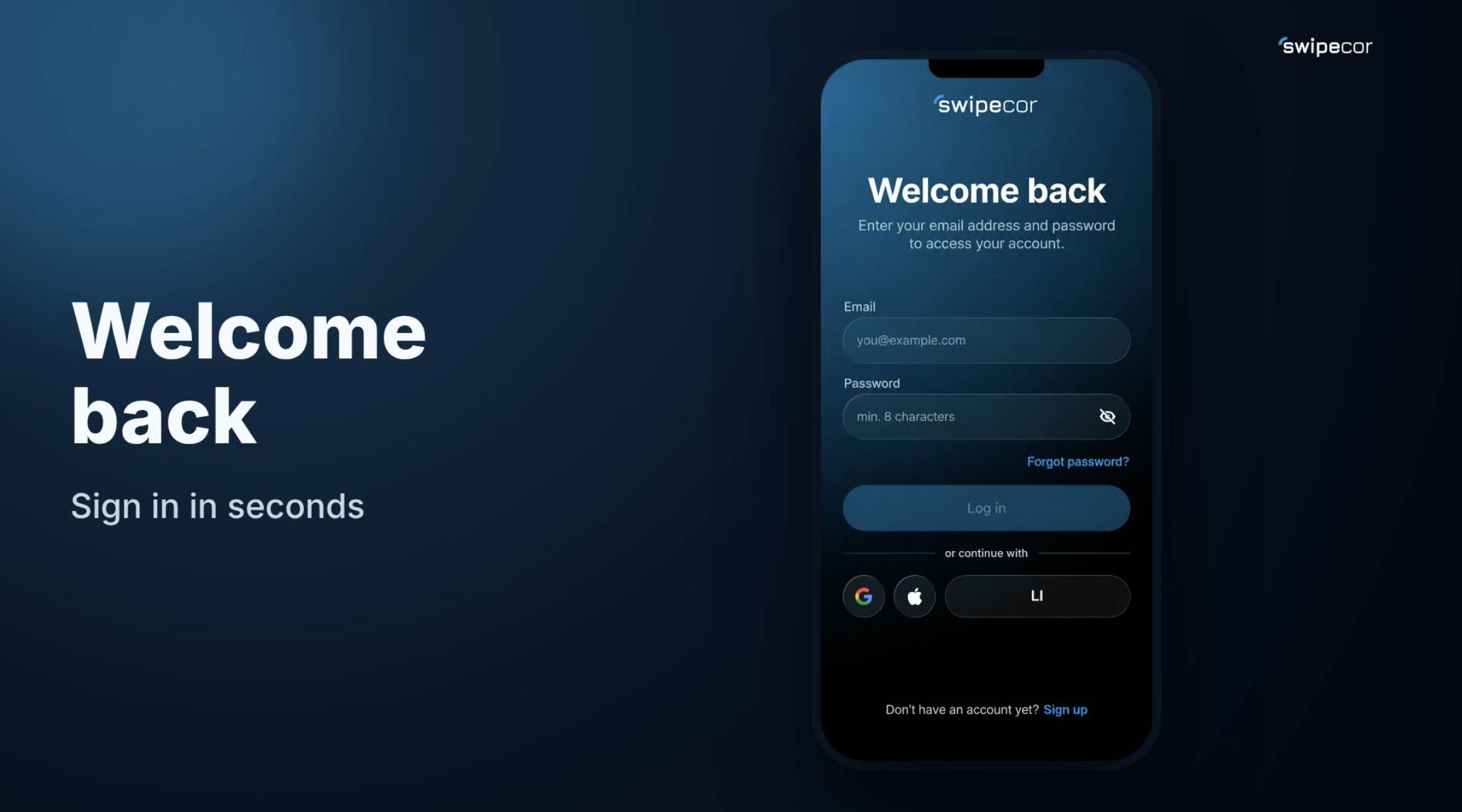
Login for Existing Users
If you already have an account, simply log in with your email and password – or use the quick sign-in option via Google, Apple, or LinkedIn.
New to Swipecor? Here's How Registration Works
Signing up takes just seconds: enter your email address, choose a secure password, and agree to the terms and conditions. To ensure security, the system automatically checks whether special characters, lowercase letters, and numbers are included. Only once all requirements are met does the Register button become active – keeping every account well protected from the start.
After submitting, you'll receive an email confirmation: a six-digit code is sent to your inbox and entered directly in the app to verify your email address.
Setting Up Your Profile in Four Simple Steps
Once your account is created, it's time to personalize your profile:
- Enter your name – first and last name, so you're recognized later in Spaces and on Stages.
- Upload an avatar – add your own photo or skip this step for later.
- Select your interests – choose at least three topics such as Tech, Design, or Automotive, so Swipecor can show you relevant content.
- Join a Space – for example the Brewery Berlin, or skip this step for now as well.
All Done!
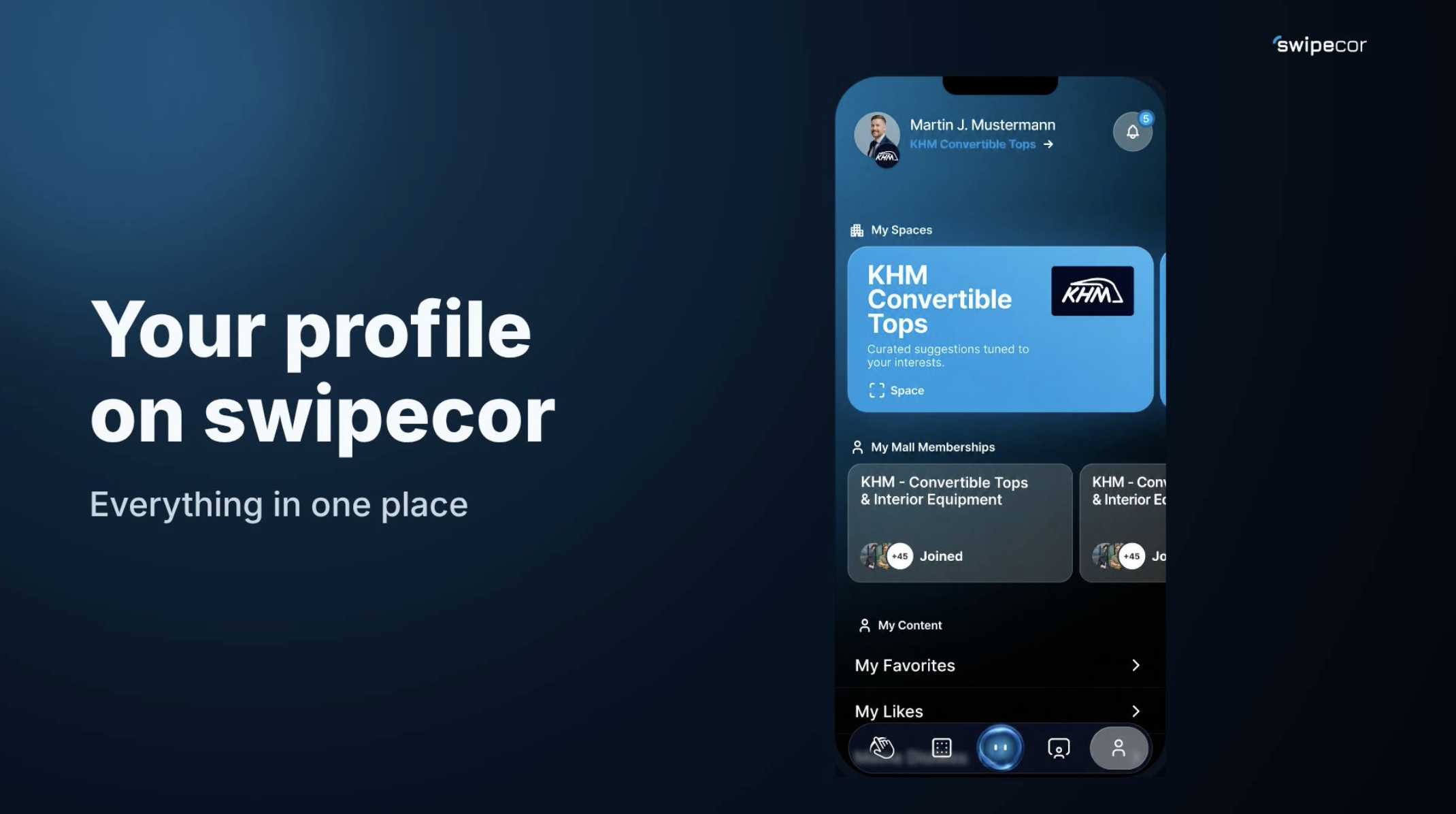
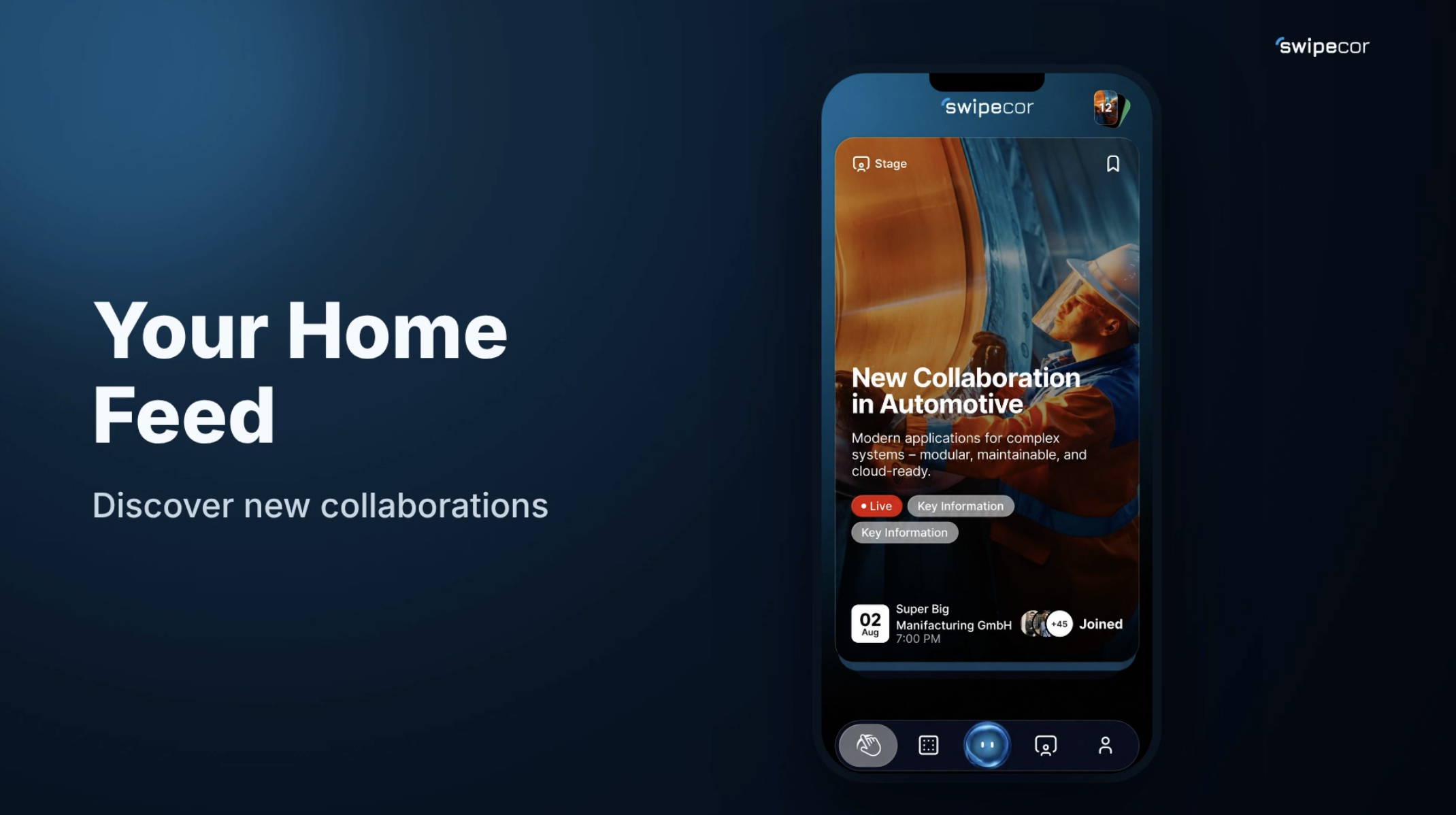
Once setup is complete, your account is ready. Click "Set Up Profile" to continue directly until your profile and interests are fully saved. From here, the whole world of Swipecor awaits – with Stages, Mall, and Spaces offering countless possibilities to discover.