8. Leads
In this video, we show you how to find, select, and purchase new lead suggestions on Swipecor.
Lead Suggestions in Your Profile
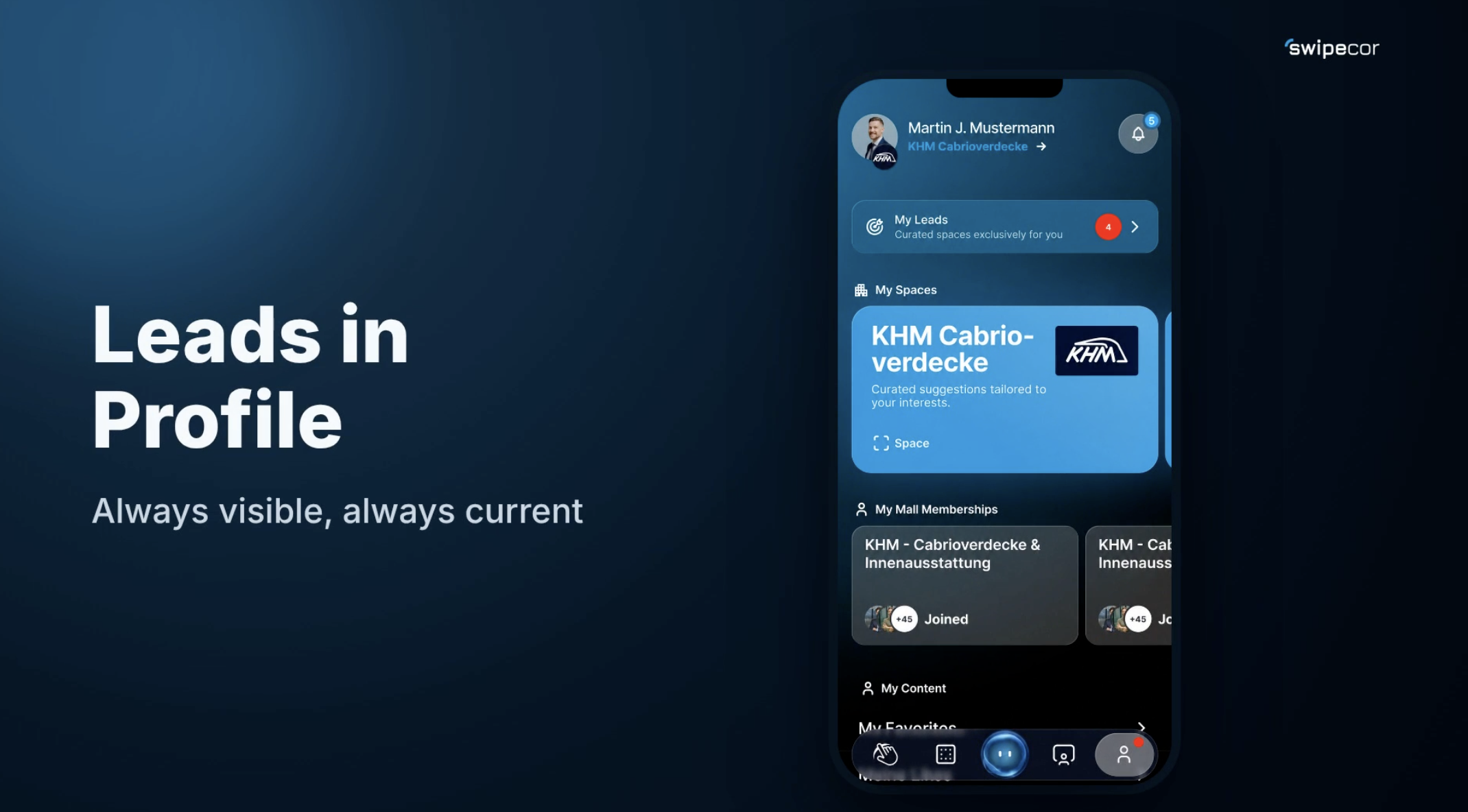
Through the platform and the view in your own profile, you can view and purchase new lead suggestions at any time. Lead suggestions are updated continuously, and as soon as new leads come in, they're marked in red in your profile.
Sorting to Fit Your Needs
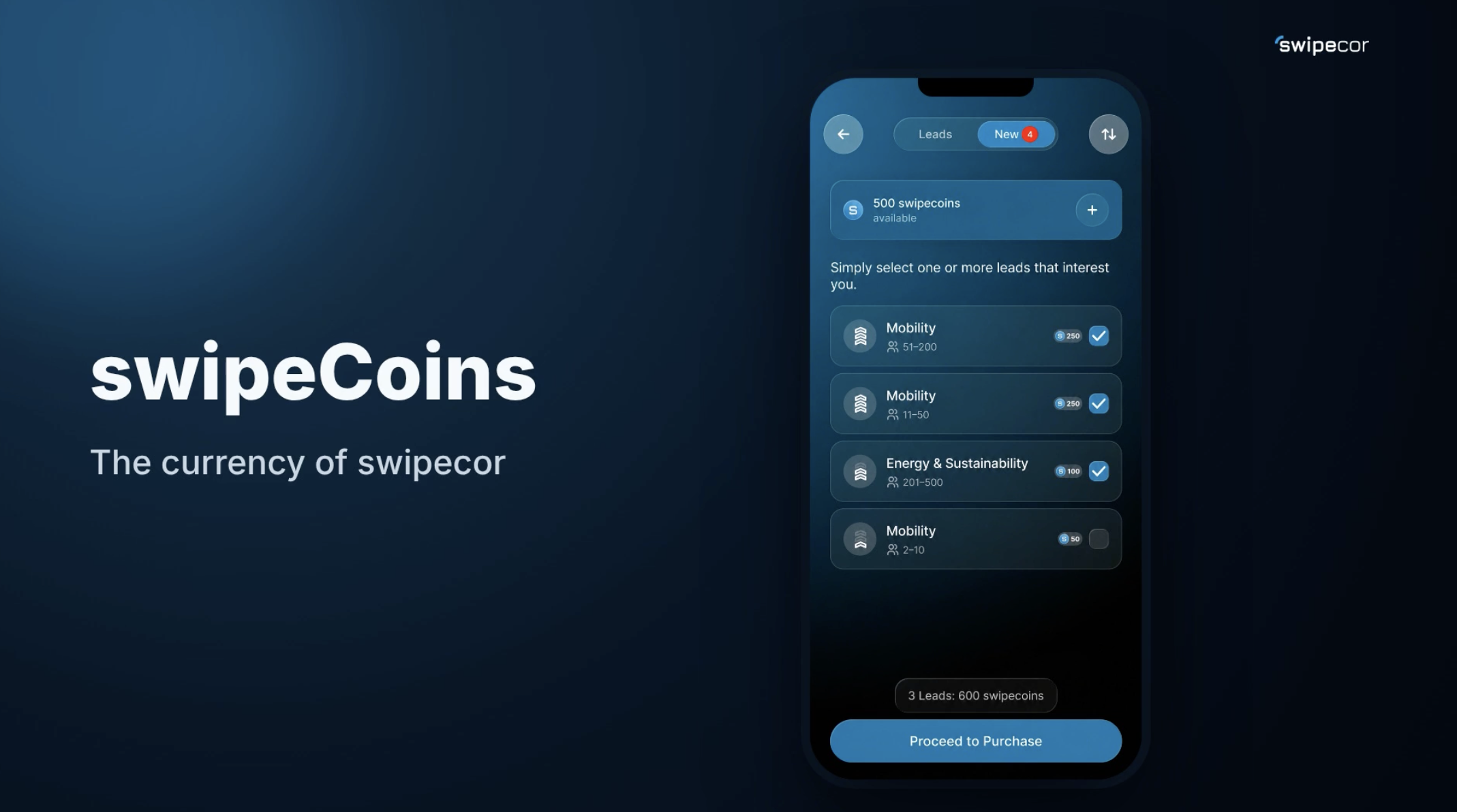
The sort menu lets you easily customize the display, for example by the newest or the hottest leads.
Selecting Leads and Tracking Costs
One or more leads can be checked directly, and the total cost in swipeCoins is shown immediately. Before purchasing, a brief overview confirms the access once more, along with the number of swipeCoins required.
Full Transparency After Purchase
After the purchase, the complete lead cards open up, showing company name, industry, location, size, and company logo. In the detail view, all contact details are available, whereas before the purchase only industry and company size were visible.