
Get to know swipecor

1. Registration at swipecor
Here's how to get started with Swipecor: log in or register quickly with email verification, then set up your profile – name, avatar, interests, and optionally join a Space. In just a few minutes, you'll be ready for Stages, Mall, and Spaces.
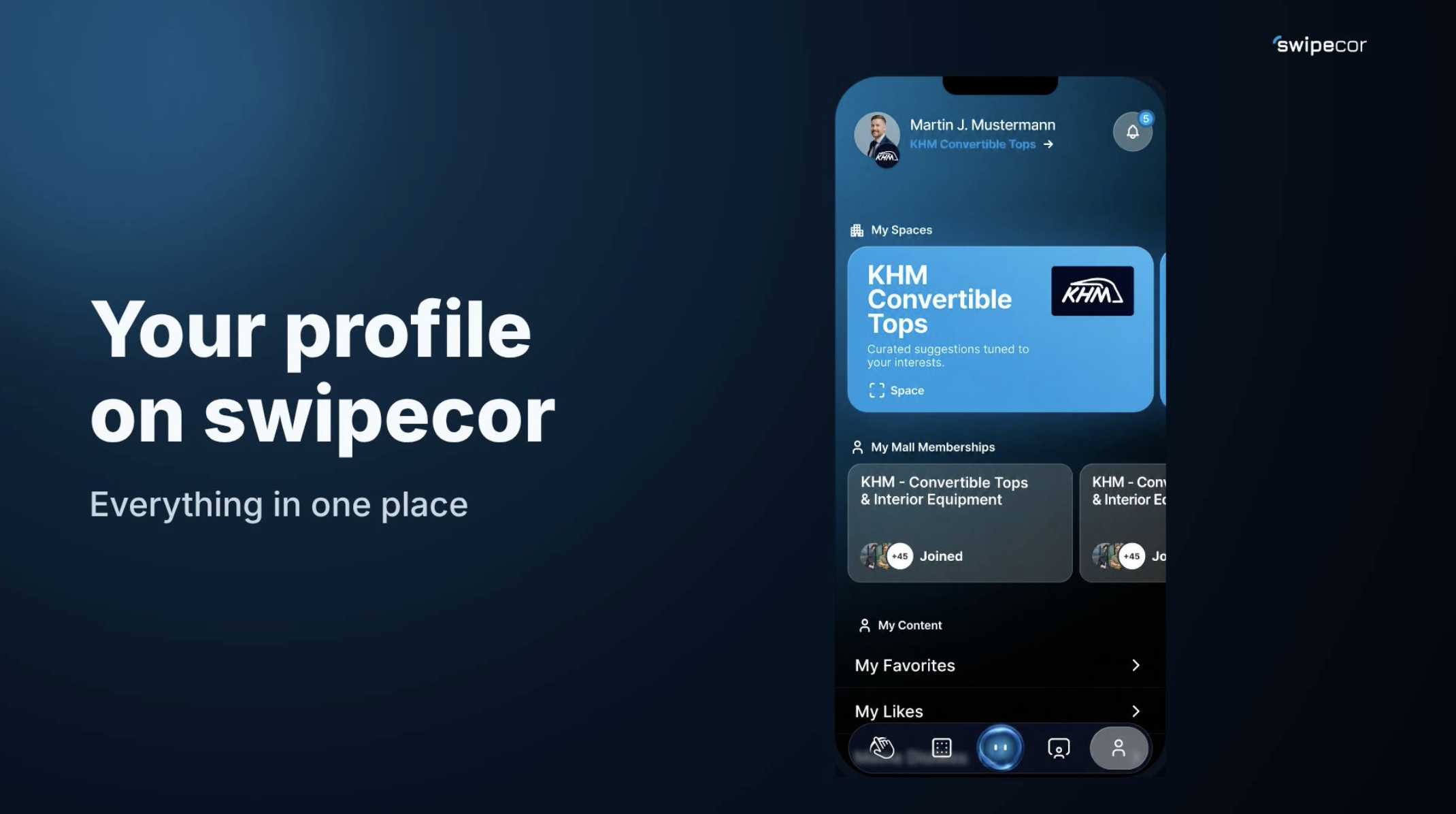
2. Profile & Space
In the profile section, set up your company Space in two steps: enter your website, and Swipecor automatically generates a profile draft that you can review and publish. If you manage multiple Spaces, switch anytime via "Logged in as." This is how you successfully bring your company to Swipecor.

3. Homefeed
In the homefeed, you'll continuously discover new collaboration opportunities: swipe right for a match, swipe left for "not a fit." The feed updates automatically, and notifications show you your likes right away. Good luck matching on Swipecor!

4. swAIper
swAIper understands your company and finds suitable business matches, partners, experts, and talent in real time. Make a request by voice, get a response by text or voice – intuitive, interactive, intelligent.

5. Stages
With Stages, present your company live: set up title, description, and cover image, define industry and target industries, set date and language – swAIper brings your topic exactly to the right participants. Viewers become leads, leads become business.

6. Malls
Malls are digital industry and topic worlds on Swipecor. Join an existing Mall or create your own – with a name, cover image, and matching industries. This creates new markets, communities, and business opportunities, regardless of distance or language.
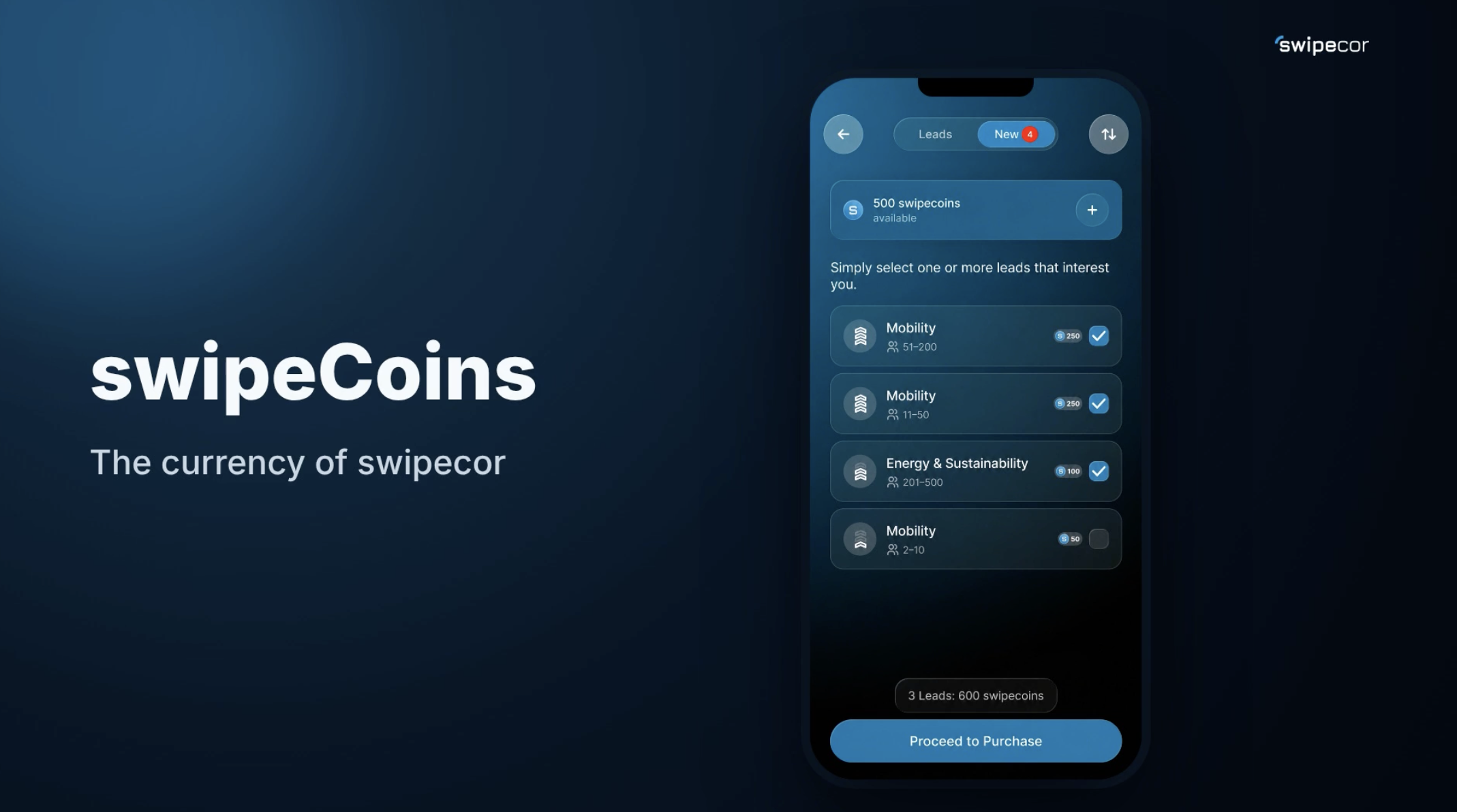
7. swipeCoins
swipeCoins unlock content like access to new leads. If your balance isn't enough, the swipeCoin pack selection opens automatically – from the 250 to the 5000 pack, securely paid via Apple or Google.

8. Leads
View lead suggestions in your profile, sort by your needs, check off the leads you want – costs in swipeCoins are shown right away. After purchasing, all contact details such as company name, industry, location, and size are available.